


I love Search Console’s Compare view.
I hate doing the maths.
Every time I wanted to compare periods, I ended up copy/pasting numbers into a spreadsheet or doing mental arithmetic just to understand basic deltas. Fun the first time, boring the 50th.
So I built a tiny Chrome extension to scratch that itch.
What it does
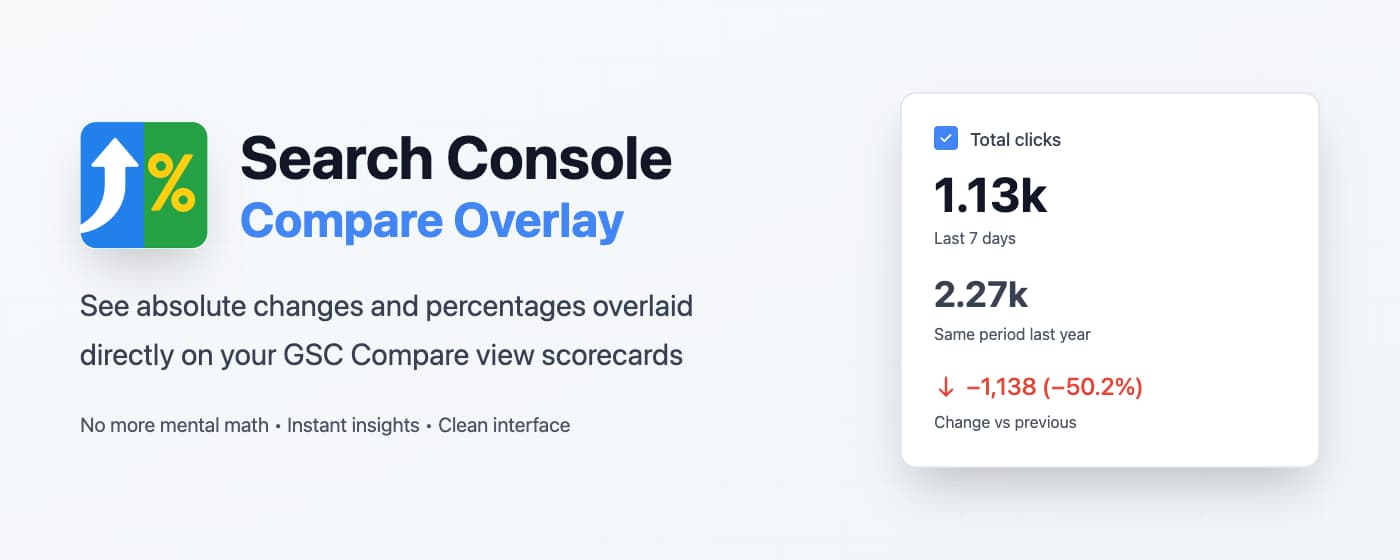
The Search Console Compare Overlay extension adds an extra layer of information directly on top of the Compare view scorecards:

- Absolute change per metric (Clicks, Impressions, CTR, Position)
- Percentage change per metric
- Follows the same “active / inactive” styling as Search Console
- Works automatically on the Compare view once installed
No exports. No formulas. Just open Compare view and read the numbers.
Install it for free
Download from Chrome Web Store
If you try it and have feedback or ideas for v2, I’d love to hear from you.
Stay in the loop
Get notified when I publish new tools, scripts, and articles.
No spam. Unsubscribe anytime.
You're in. I'll let you know when something new drops.